Where the integration is available
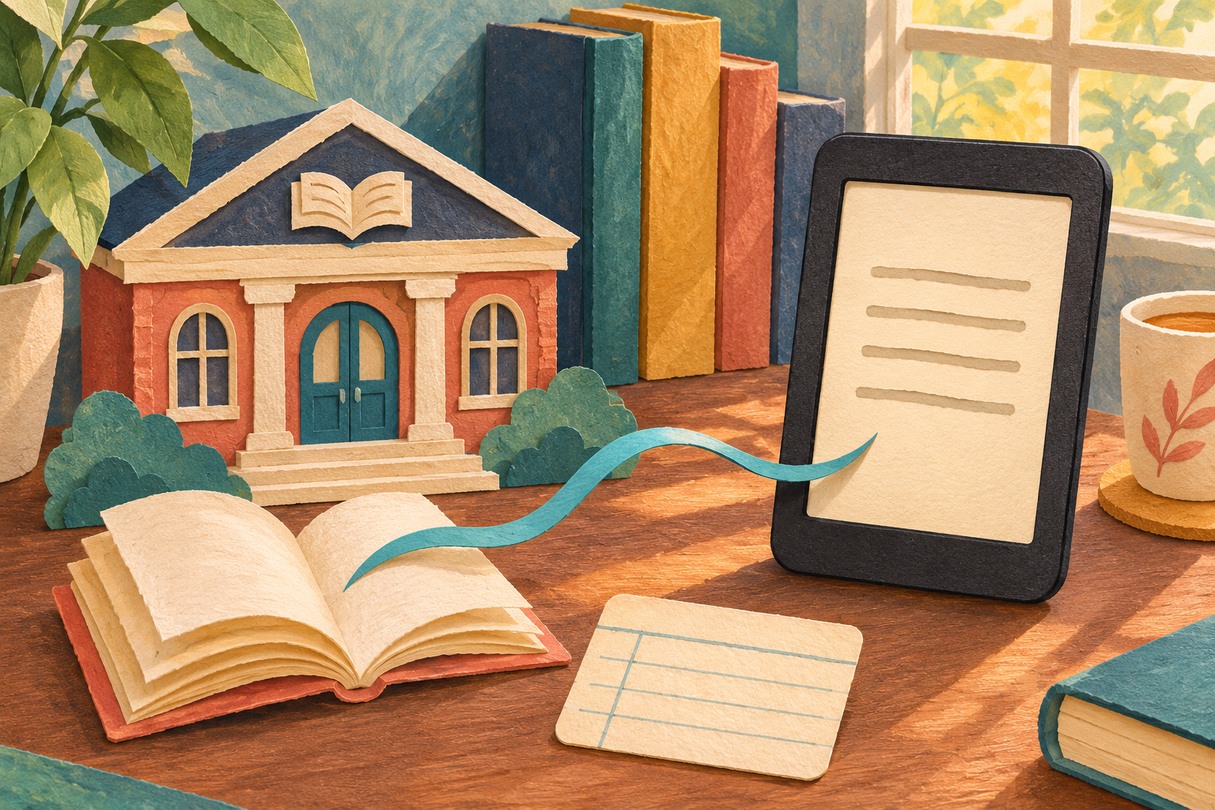
OCLC announced on November 17 that library users in the United States and Canada can send ebooks borrowed through CloudLibrary directly to Kobo eReaders. The integration removes the manual file-transfer steps for supported titles.
The feature concerns ebooks. CloudLibrary's broader catalog also includes other media, but the announcement does not establish that those formats can all be sent to a Kobo reader.
Connect once, then send a book
In the CloudLibrary mobile app, sign in with your library card details and open Account > Kobo Connect. Choose Connect, sign in on Kobo's page and approve the connection. CloudLibrary's support page also documents a web-based setup.
Open an ebook's details and use Send To Kobo. For a book already borrowed, start in My Books > Current. Allow a few minutes for delivery; the support page says a manual Sync on the reader may be needed.
A missing send button has a specific meaning
CloudLibrary says some library books have no matching title in Kobo's catalog. Those books will not display Send To Kobo. The new integration therefore does not mean every title in every library collection is compatible.