What Samsung announced
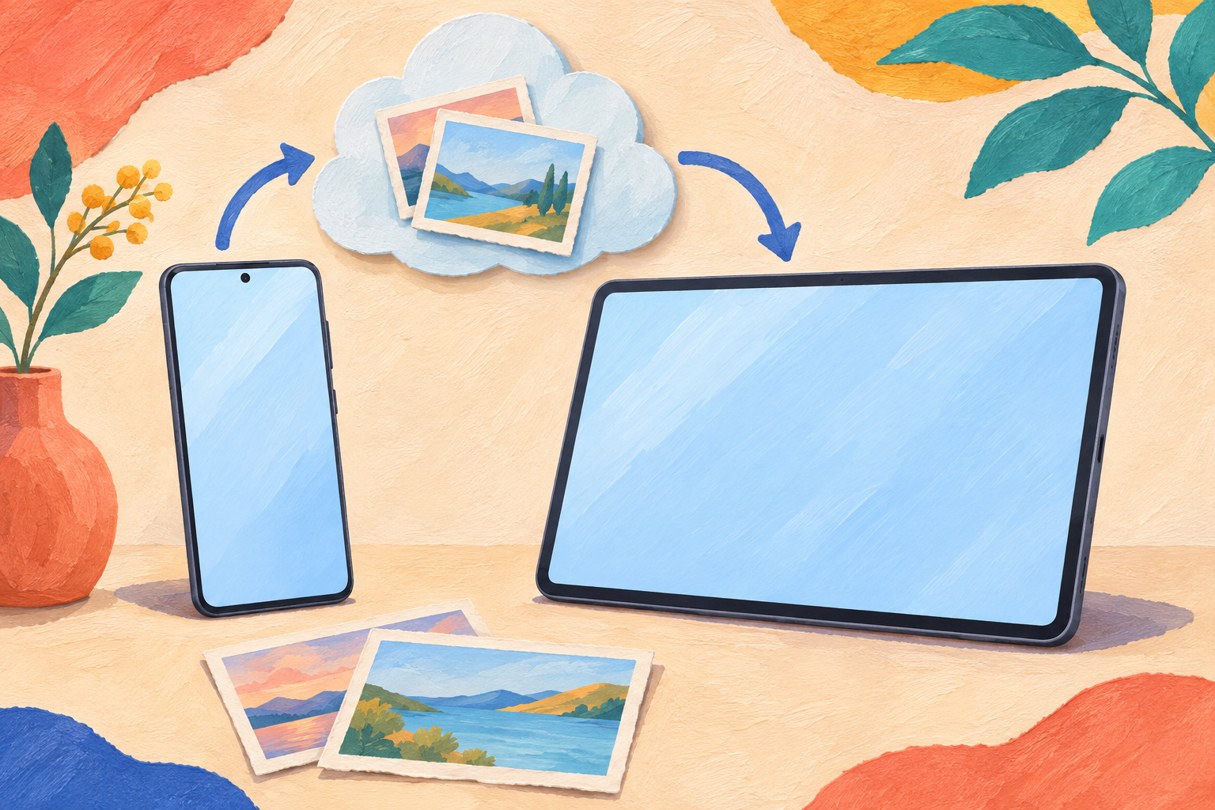
Samsung outlined Gallery sync with Google storage on November 10. It lets supported Galaxy phones and tablets access photos and videos using the same Samsung and Google accounts, with sync enabled on each device.
The service has started on select devices running One UI 9, with expansion in phases and availability varying by market. Samsung does not provide a complete eligible-model or country list in this announcement.
The 15 GB allowance is shared
Gallery uses the available space in the linked Google account. The account’s up-to-15 GB free allowance is shared with Gmail, Drive and Google Photos; enabling Gallery sync does not add another 15 GB. Paid Google One storage can also be used with its linked account.
Freeing device space is different from deleting
After originals have synced, Gallery’s Free up space feature can remove local originals while retaining thumbnails. A new supported device can also show previews, with originals available to download when needed.
Normal deletion has a wider effect: Samsung says deleting a synced item in Gallery also removes it from linked Google storage and other connected Galaxy devices using the same accounts. Use the storage-clearing feature, rather than ordinary deletion, when the intention is to keep the cloud copy.
What appears in Gallery at launch
Only content synced through Gallery after enabling this service appears automatically. Older items already in Google storage are not automatically imported into Gallery.
On an eligible device, start from Gallery’s cloud icon or its sync setting. Existing OneDrive photos remain accessible through OneDrive’s app or website; Samsung says direct Gallery-to-OneDrive sync ended on September 30. That earlier change is separate from this November announcement.