Personal playlists and library
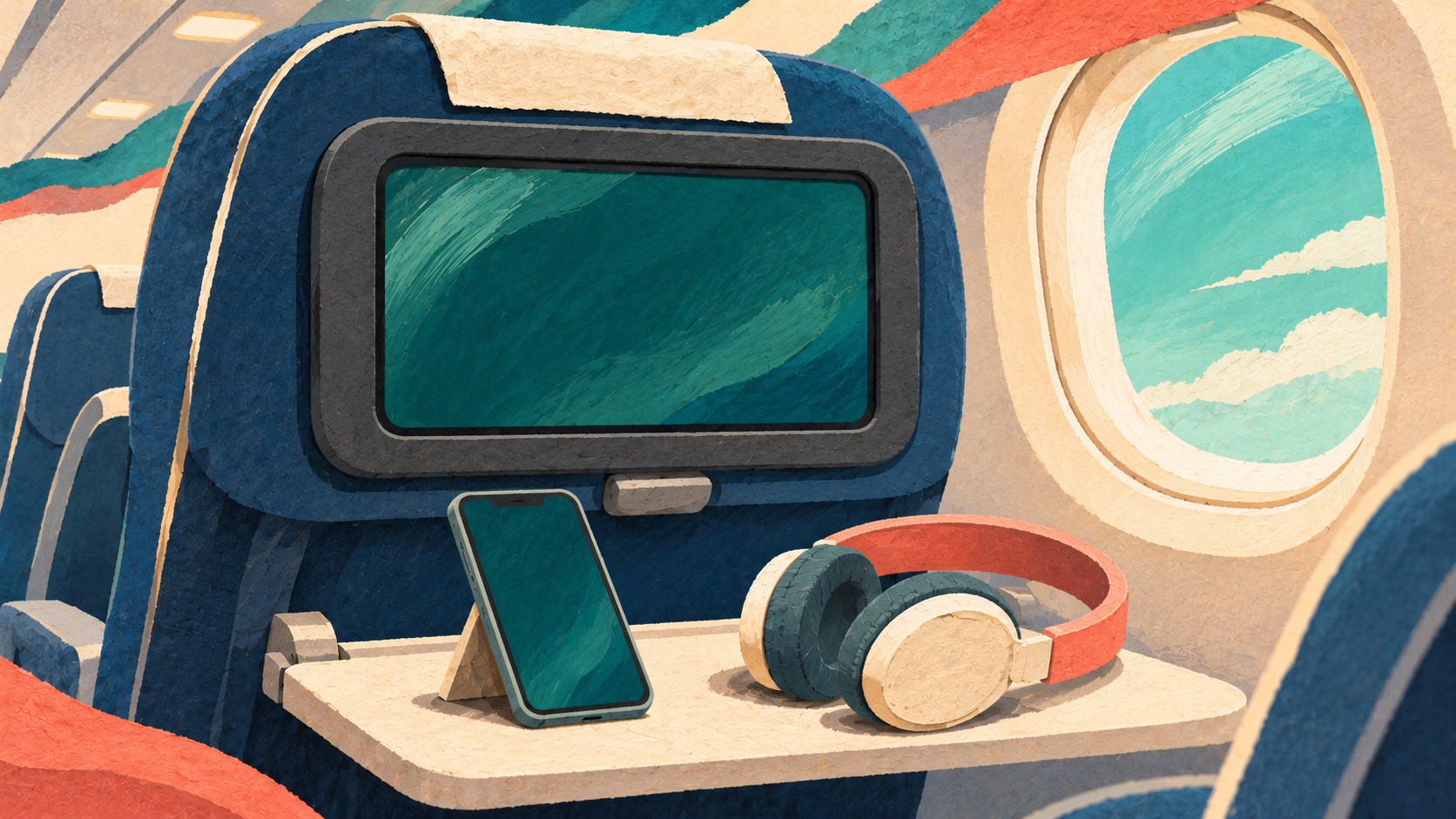
Spotify announced on November 5 that personal-account streaming is rolling out on United Airlines seatback screens for the first time. It starts on Starlink-equipped aircraft and expands to additional aircraft through 2027.
Passengers can access their personalized feed, saved playlists and library. Both Spotify Free and Premium accounts are eligible, although playback options and features depend on the plan and market.
How pairing works on a participating flight
Connect your phone to the United WiFi network. Spotify says a WiFi pass and MileagePlus sign-in are not needed to use Spotify on the seatback screen. This statement is specific to that feature.
Open the Spotify tile on the seatback display, scan its QR code with your phone and confirm pairing on the phone. If you are not already signed in, Spotify asks you to log in or sign up on the phone. You can also use the phone as a playback remote.
Login protection and the rollout limit
Your credentials are not entered on the seatback screen. Spotify says passengers are automatically logged out when the flight ends and the screen resets before the next passengers board. You can also log out manually within the seatback app.
The company has not published a route-by-route rollout or an exact completion date. If the new app is absent, the older Spotify channel still offers 450 hours of curated content across United’s fleet.